Odoo Community vs. Enterprise: Choosing the Right Edition
Odoo Community vs. Enterprise: compare features, real costs, hosting options, and TCO to choose the right Odoo edition for your business in 2026.
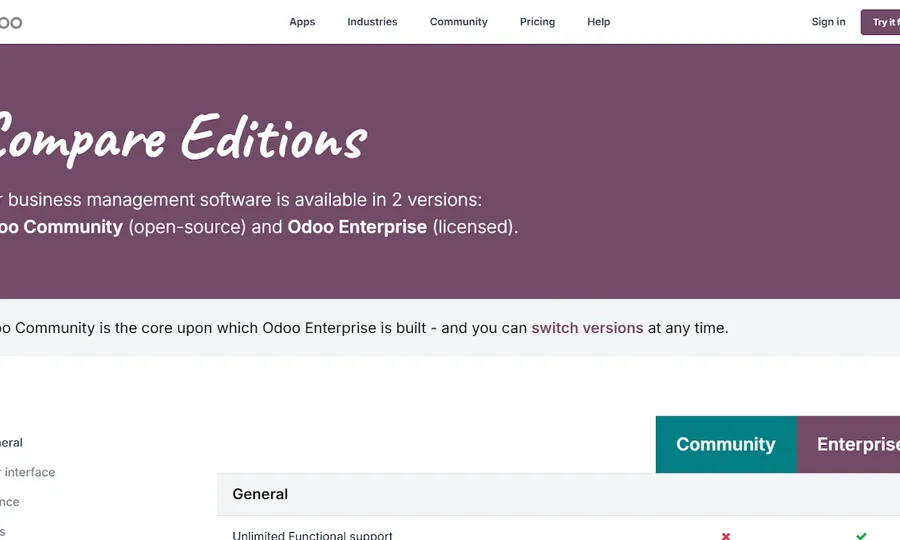
Odoo has two main editions: Community and Enterprise. They share the same core architecture, but they serve different business needs.
The choice affects licensing, hosting, support, upgrades, and how much technical work your team will own over time.
This article compares the features, real costs, support models, and hosting choices behind both editions. For a full cost breakdown with examples, see How Much Does Odoo Cost? Odoo Pricing Explained.
Key Takeaways: Odoo Community vs. Enterprise
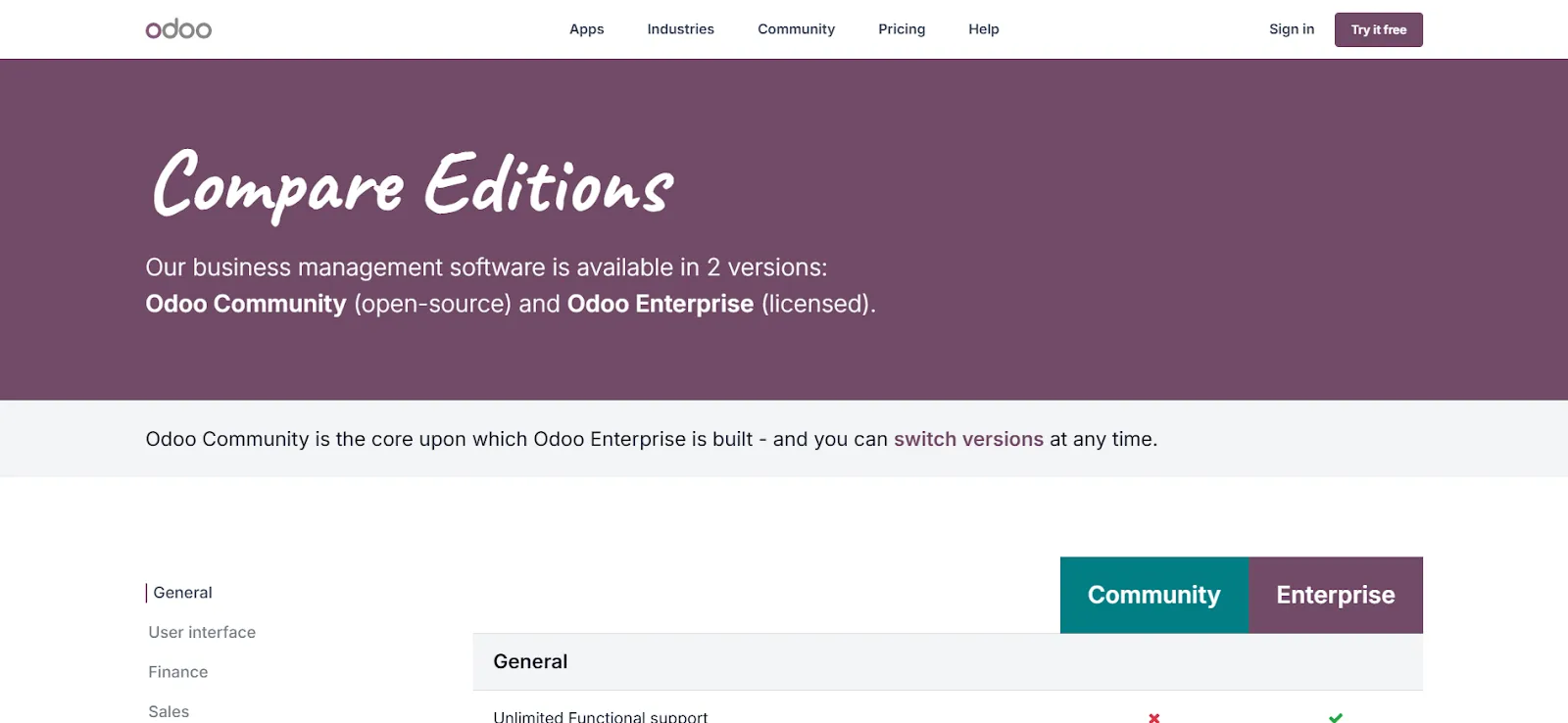
Odoo Community gives you an open-source foundation with no license fee. Odoo Enterprise adds paid features such as Odoo Studio, official support, mobile apps, advanced accounting, and more hosting options. Hosting also plays a major role in total cost of ownership. Platforms like Cloudpepper can run either edition with predictable managed-hosting costs.
Here is a quick comparison between both editions:
| Category | Odoo Community | Odoo Enterprise |
| Target Strategy | Lean, open-source foundation | Paid suite with advanced features |
| Core Architecture | Modular structure with a clean interface | Same modular core architecture |
| Essential Modules | Sales, CRM, Inventory | Sales, CRM, Inventory + advanced modules |
| Advanced Features | Not included by default | Odoo Studio, full Accounting suite, advanced reporting |
| Mobile Apps | Limited / community-dependent | Official mobile applications |
| Support | Community-based support | Official Odoo support |
| Hosting Requirement | Self-hosted; managed hosting possible through providers such as Cloudpepper | Odoo Online, Odoo.sh, self-hosting, or managed hosting |
| Infrastructure Management | Your team or hosting partner manages servers, security, and updates | Can be managed by Odoo, your team, or Cloudpepper |
| Cost Structure | No license fee, but higher operational responsibility | Subscription-based, plus hosting depending on setup |
| Time-to-Value | Depends heavily on technical setup | Usually faster for non-technical teams |
| Best For | Technically capable teams seeking flexibility | Businesses that need official features and support |
Understanding Odoo Community and Enterprise
To choose between Odoo Community and Enterprise, start with how each edition is delivered and who it is built for.
What is Odoo Community?
Odoo Community is the free, open-source edition of the Odoo ERP. This version is completely free to download, use, modify, and distribute. With Odoo Community, you don’t pay any licensing fees.
This version provides access to essential ERP modules, including Sales, Accounting, Inventory, CRM, Manufacturing, and Website Building. Odoo Community is self-hosted, so you are responsible for management and maintenance unless you choose a managed hosting provider like Cloudpepper.
While Odoo Community users cannot access official support from Odoo, the ecosystem is supported by the Odoo Community Association (OCA), a global network of developers using Odoo.
This version is best for startups, budget-conscious teams, and organizations with enough technical skill to manage their own infrastructure.
What is Odoo Enterprise?
Odoo Enterprise is the paid version of Odoo. It is built on top of the Community codebase and adds advanced features, official support, mobile apps, and upgrade services.
The Enterprise edition includes everything in the Community edition, plus exclusive modules such as Odoo Studio, advanced reporting, and mobile apps. Unlike the self-hosted Community model, Enterprise users can choose from multiple hosting options, including Odoo.com, Odoo.sh, or self-hosting on their preferred infrastructure, such as Cloudpepper.
Enterprise subscriptions also give businesses access to official Odoo support for bug fixes and major version upgrades. This version is best for growing businesses, non-technical teams, or companies that need more built-in automation.
The Common Foundation: What Both Share
Despite their differences, you must remember that Odoo Community and Enterprise are not two different programs. They are different tiers of the same program. Below are some common features between the two versions:
- Technology Stack: They both run on Python and use PostgreSQL for the database. For tuning tips, see our Odoo and PostgreSQL performance tuning guide.
- Data Structure: They share the same data models.
- Modular Architecture: Both editions allow you to add and remove apps.
- Open Integration: They both offer an Open API for third-party software connection.
- Upgrade Path: You can start from Community and upgrade to Enterprise later.
“Choosing community versus enterprise is not about the hosting or the setup. It’s about what features and departments you want natively in Odoo.” For more, check this Reddit thread.
Feature Comparison: Where the Value Diverges
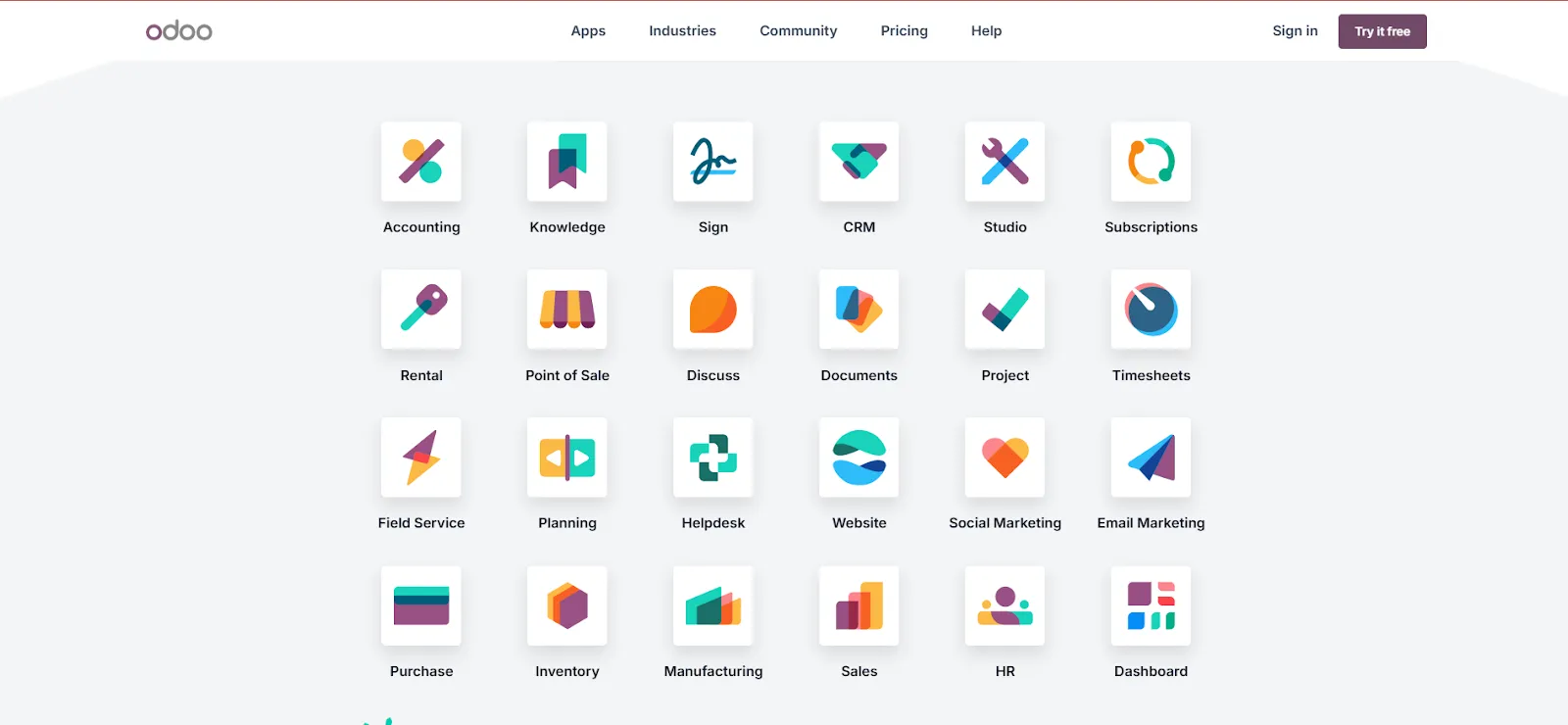
Odoo Community and Enterprise share the same foundation, but Enterprise adds features that reduce manual work for growing teams. This section compares what you get in each edition.
Core Modules Available on Both Editions
Although Odoo Community has fewer features than Enterprise, it is not a trial version. It is a production-ready ERP with essential modules for many SMBs:
- Sales and CRM: This module helps manage leads, nurture customer relationships, and generate quotes.
- Inventory: Tracks stock levels, manages delivery orders, and handles receipt of goods.
- Manufacturing (MRP): Used to create Bills of Materials (BoMs) and manage production orders.
- Purchasing: Manages vendor profiles and helps generate Requests for Quotations (RFQs).
- Project Management: Used to organize team tasks with Kanban boards and basic project tracking.
- Invoicing: Generates invoices from sales orders and registers payments.
- Website and eCommerce: Provides a fully functional website builder, an operational storefront, and a customer portal. See how Odoo’s eCommerce stacks up in our Odoo eCommerce vs. WooCommerce comparison.
It is important to note that while these modules listed above are available on both editions, the Enterprise versions provide additional features for each module.
Enterprise-Exclusive Modules: What Enterprise Adds
While Odoo Community covers the basics, Enterprise adds tools that reduce manual work and improve reporting for growing businesses. They include:
- Odoo Studio: This is a no-code builder that lets you customize interfaces, add fields, and create new apps without writing a single line of code.
- The Full Accounting Suite: This accounting module features AI-powered OCR for vendor bills, automated bank sync, and real-time financial reports.
- Inventory and Barcode Scanning: Here is a specialized application built for mobile devices and handheld scanners to speed up packing and shipping.
- Marketing Automation: Builds automated customer journeys and drip email campaigns based on user behavior.
- Native Mobile Apps: Offer official iOS and Android apps with offline capabilities and a responsive design.
- Planning and Gantt Views: These views help project-heavy teams plan timelines and resource allocation.
For many ERP buyers, accounting is one of the main reasons to move from Community to Enterprise.
“The Community version is free and gives you good flexibility if you’re comfortable with some technical setup … Enterprise, while paid, is easier to set up, includes more out-of-the-box functionality, and comes with official support.” For more, check this Reddit thread.
Odoo Hosting: How Community and Enterprise Affect Your Infrastructure
Hosting affects compliance, page speed, backups, upgrades, and support work. The available options also differ by edition.
Odoo Community Hosting: The Ownership Path
Odoo Community is self-hosted. Odoo does not provide an official SaaS option for this edition. That means your technical team or hosting partner is responsible for the full Odoo stack, including:
- Web server
- Database server
- Application server
- Security and SSL
- Redundancy
- Scaling
Although Odoo Community only supports self-hosting, that does not eliminate your choice. You can still choose a preferred self-hosting option. Consider the three options available for you:
1. Cloudpepper Hosting
Cloudpepper is ideal for businesses that want to use Odoo’s free license without hiring a full-time system administrator. Our managed Odoo Community hosting gives you a production-ready stack without taking on that maintenance yourself.
With Cloudpepper, you get managed operations on your own cloud account. We handle monitoring, security, backups, and other server work, which helps small teams run Community without building a full DevOps function.
2. Self-Managed Cloud Hosting
You can self-manage Odoo on AWS, Azure, Google Cloud, DigitalOcean, Vultr, Hetzner, or another provider. This option offers the highest level of control but requires strong technical ability or a dedicated DevOps engineer.
3. Traditional VPS Hosting
This is the best path for businesses on a budget. For as low as $20 per month, you can get a bare server from VPS providers like Vultr, Linode, or Hetzner, and build your system on it. We walk through a full setup in How to Install Odoo 19 on Ubuntu 24.04. While this is the cheapest path, it is only feasible if your business has deep in-house Linux expertise. If you want that VPS-level pricing without managing Linux yourself, our Odoo VPS hosting runs the server for you.
Odoo Enterprise Hosting: The Flexibility Path
Unlike Odoo Community, the Enterprise edition offers businesses more hosting options. Your business can choose either a managed service or a self-hosted option to maintain full control of your infrastructure.
Below are the hosting options available for Odoo Enterprise users:
1. Cloudpepper
Cloudpepper offers the automation of a managed service with the performance and freedom of self-hosting. You connect your own cloud provider account to the Cloudpepper dashboard. It then provisions, optimizes, and manages your Odoo Enterprise instance automatically.
With Cloudpepper, you enjoy dedicated resources, full control, and unlimited staging environments for a flat fee. This option is ideal for businesses that want the complete Enterprise feature set and official support but with better performance, lower hosting costs, and data control.
Cloudpepper also supports Git deployment from any repository and includes unlimited staging environments, covering the same developer workflow needs as Odoo.sh at a lower cost.
2. Odoo Online (Fully Managed SaaS)
This is a turnkey solution that does not require you to manage the server; Odoo handles everything, and the cost is included in your subscription. This option is best for small businesses with non-technical teams that need a simple plug-and-play ERP.
While it is a simple solution, it has significant limitations. You are limited to Odoo’s standard features and Odoo Studio, so you cannot install custom code or third-party modules.
3. Odoo.sh(The Developer Platform)
Odoo.sh is a Platform as a Service (PaaS) built on Google Cloud. It comes with a built-in CI/CD pipeline and Git integrations. This option is perfect for managing development, staging, and production branches.
While effective, using Odoo.sh can be relatively expensive. You have to pay for access to the platform, in addition to the per-user license fee for Odoo Enterprise. In addition, this option incurs linear scaling costs; as you increase workers, staging environments, and storage overages, your monthly bill will grow proportionally.
4. Self-Hosted Enterprise (On-Premise)
This option offers the best of both worlds for larger businesses and agencies. Here, you use your Enterprise license on your own server (through Cloudpepper or a VPS).
With this path, you get official Odoo support and features, while retaining complete data ownership. It is also the most cost-efficient option because it helps you avoid the per-user hosting multipliers used in Odoo.sh.
How Cloudpepper Fits Both Editions
Cloudpepper can host both Odoo Community and Odoo Enterprise. That matters because the hosting decision is separate from the edition decision: you can start with Community, move to Enterprise later, and keep a similar operational model.
How Cloudpepper Benefits Odoo Community Users
With Cloudpepper hosting, Odoo Community users enjoy the following:
- Lower DevOps burden: Cloudpepper automates key parts of server management, including monitoring, updates, and backups.
- Odoo-focused performance: Running on an Odoo-optimized setup helps keep the system responsive as the database grows.
- Predictable costs: A flat monthly platform fee is easier to plan than hiring for full-time system administration.
How Cloudpepper Benefits Enterprise Users
Hosting Odoo Enterprise on Cloudpepper allows your business to enjoy the following:
- Cost Savings: You are able to avoid the scaling cost of Odoo.sh as users increase.
- Data Sovereignty: You get to choose your specific data center for GDPR compliance.
- Test Environment: Cloudpepper allows for more flexible environment management at a flat rate, rather than charging per staging branch.
Cloudpepper Advantages for Both Editions
Whether you’re on Odoo Community or Enterprise, Cloudpepper allows you to enjoy the following:
- Flat-rate Pricing: for predictable monthly costs that don’t fluctuate with user numbers.
- 99.9%+ Uptime: Managed hosting gives Community setups a stronger operational baseline.
- Global Reach: that allows you to deploy in seconds across U.S. and European data centers with low latency.
- Direct Database Access: which gives you full control over your PostgreSQL data.
| Feature | Odoo Online | Odoo.sh | Self-Hosted (DIY) | Cloudpepper |
| Supports Community | X | X | ✔ | ✔ |
| Supports Enterprise | ✔ | ✔ | ✔ | ✔ |
| Custom Python Code | X | ✔ | ✔ | ✔ |
| Root Server Access | X | X | ✔ | ✔ |
| Automated Backups | ✔ | ✔ | X | ✔ |
| Staging/Test Envs | X | ✔ | X | ✔ |
| Choose Data Region | X | X | ✔ | ✔ |
| Per-User Hosting Fee | Included | ✔ | X | X |
“Cloudpepper has been surprisingly simple to use, reliable, and the feature set is everything we need. We’ve had one support ticket which they did satisfactorily resolve within 48 hours. Nice. Please keep up the good work.” — Trustpilot Review
Odoo Community vs. Enterprise Cost: What You’ll Really Pay
Cost is one of the main factors when choosing between Odoo Community and Enterprise. But this is not simply a choice between free and paid software. The real cost depends on hosting, support, upgrades, and the amount of technical work your team owns.
Odoo Community Costs (Beyond Free)
In the ERP world, “free” is often a relative term, and this also applies to Odoo Community. When we say Odoo Community is free, we’re only talking about the license costs.
While you don’t have to pay for a license for Odoo Community, the $0 price tag does not apply to other operational activities you must carry out to run the system.
Many businesses underestimate the cost of Odoo Community because they forget to budget for:
- Hosting infrastructure ($50 – $1,500 per month, depending on your infrastructure)
- Implementation and configuration ($5,000 – $25,000)
- Custom development ($2,000 – $15,000)
- Version upgrades ($3,000 – $10,000 per major upgrade)
- Support ($200 – $1,000 per month)
Hidden Costs
On the Community edition, there is no official Odoo support for server recovery. If your server crashes, recovery depends on your own team or hosting partner.
Some businesses also spend heavily trying to recreate Enterprise features through custom development. In the long term, developer hours can cost more than the Enterprise subscription would have.
Odoo Enterprise Pricing Structure
Odoo Enterprise pricing depends on your country, billing term, and plan.
Because those rates change by region and promotion, check Odoo’s pricing page for current Standard and Custom plan pricing before making a budget.
Below are some of the features included with this subscription:
- All Enterprise modules
- Official 24/7 support
- Mobile apps (iOS/Android)
- Automatic security patches
- Database upgrade services
The table below shows an example side-by-side hosting comparison. Check Odoo.sh and Cloudpepper pricing before using the figures in a final budget.
| Feature | Odoo.sh | Cloudpepper |
| Monthly Price | $677/monthLowest available plan with dedicated CPU | $99/monthServer management at $49/month included |
| Hosting Type | Shared Serverwith dedicated CPU assigned | Dedicated Server$50/month Hetzner Dedicated |
| Odoo Instances | 1 | Unlimited |
| Test Environments | 1$18/month/test environment | Unlimited |
| Dedicated CPU Cores | 1 CoreCPU undisclosed | 8 CoresIntel® Core™ i5-13500 Processor (4.80 GHz) |
| RAM | Shared | 64GB DDR4 (Dedicated) |
| Storage | 20GB | 2 x 512 GB nVME |
| SSH Access | Restricted | Full |
| Support | Online Form / No SLA | Guaranteed SLA |
| Annual Cost Reduction: | – | -$7,152 (-85.8%) |
For more, check out Why switch from Odoo.sh to Cloudpepper?
Final Verdict: The Community vs. Enterprise Decision
In 2026, the choice between Odoo Community and Enterprise is not just about the license price. Community gives you an open-source foundation with more technical responsibility. Enterprise adds official support, mobile apps, advanced features, and more built-in automation.
Choose Community if you want a lean, open foundation and have the technical capacity to run it well. Choose Enterprise if you want more official features and support. In both cases, Cloudpepper can handle the hosting layer so your team does not need to manage every server detail internally.