Create a new Odoo instance
Requirements
Section titled “Requirements”- Server deployed with Cloudpepper (use one of our deployment guides)
Step 1. Add instance on the Instances page
Section titled “Step 1. Add instance on the Instances page”Go to the Instances page on My Cloudpepper.
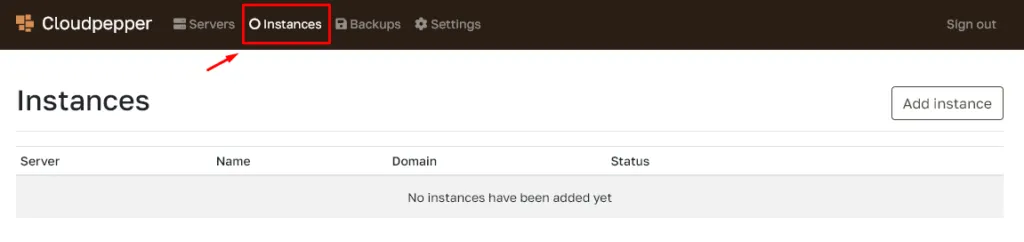
Click Add instance.

Step 2. Select the server and domain name
Section titled “Step 2. Select the server and domain name”Select which server to create the Odoo instance on and the domain name of the Odoo instance. If you choose a domain name, ensure you have already created the related A record with the server’s IP address.
Having an A record before creating the instance will ensure you can immediately access your Odoo instance with the desired domain name using https://, as it will allow Cloudpepper to create your SSL certificate.
Click Add instance to start creating the instance on the selected server.


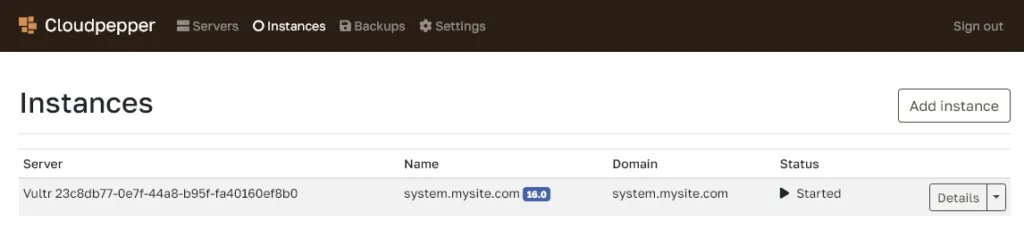
After just a few minutes, your Odoo instance is ready for access.